










What to Put in a Client Welcome Folder, Trade by Trade
A welcome folder is often the first thing a new client keeps. What goes inside matters more than the cover, so here is a checklist you can adapt to your business.
Most welcome packets fail in the same way. They hold everything the business wanted to say and nothing the client was looking for. A new customer opens the folder wanting three answers: who do I call, what happens next, and which of these papers do I need to do something with.
Build the packet around those three answers and the rest falls into place. Below is the core set we see work across trades, followed by what to add for specific industries.
The Five Pieces Every Welcome Folder Needs
- A short welcome letter, one page, signed by a real person on your team.
- A contact sheet with names, direct numbers and the best way to reach each person.
- A next steps page that lists what happens in the coming days or weeks, in order.
- The core document: the contract, policy, plan, statement or schedule the client came for.
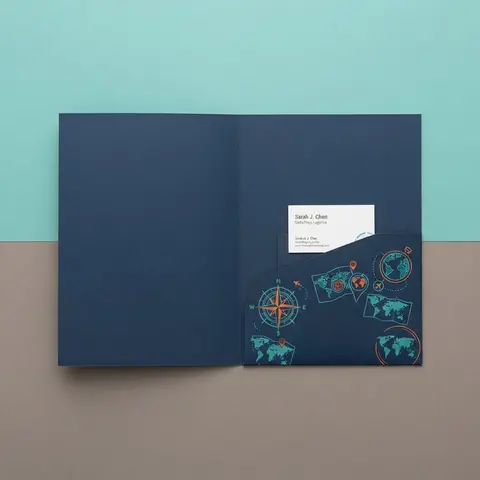
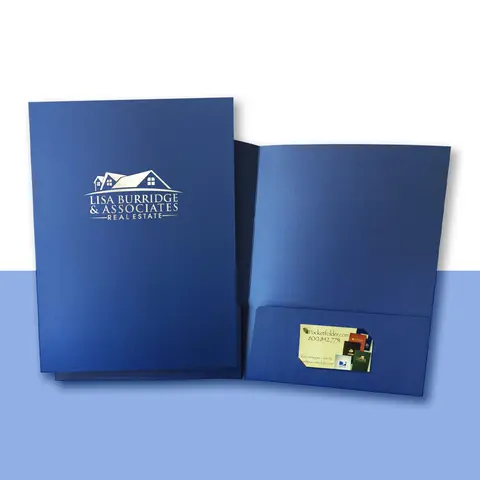
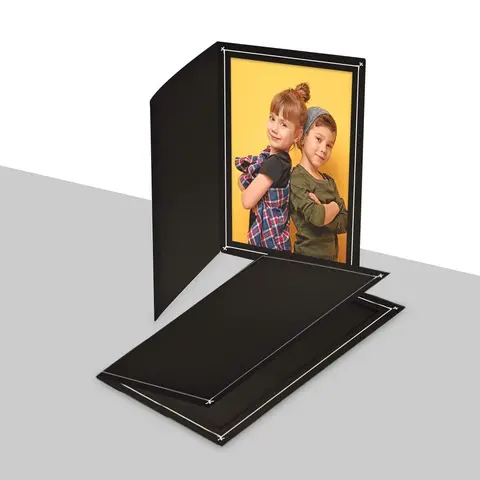
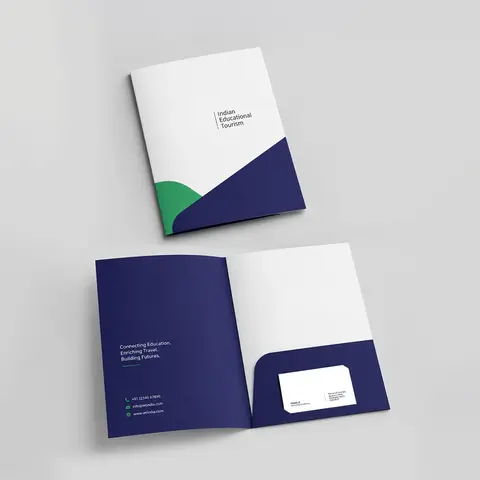
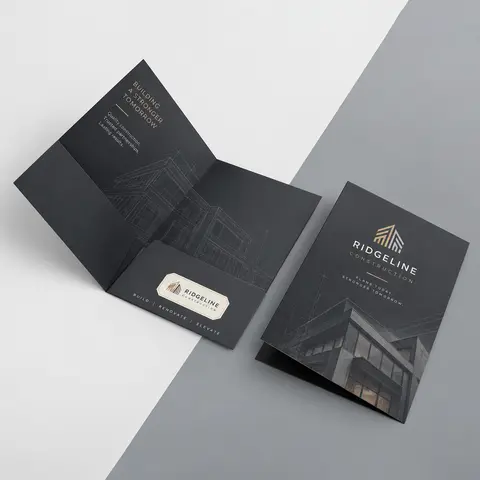
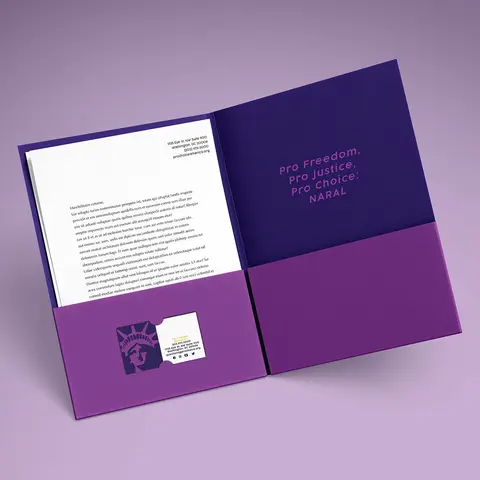
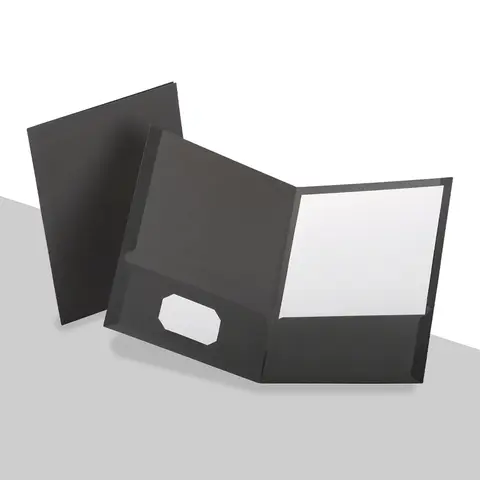
- A business card in the card slit, so your number never gets separated from the papers.
Everything else is optional. Brochures about services the client has not bought, long company histories and price lists for other products tend to end up in the recycling bin, and they make the useful pages harder to find.
Sort the Papers by What the Client Does With Them
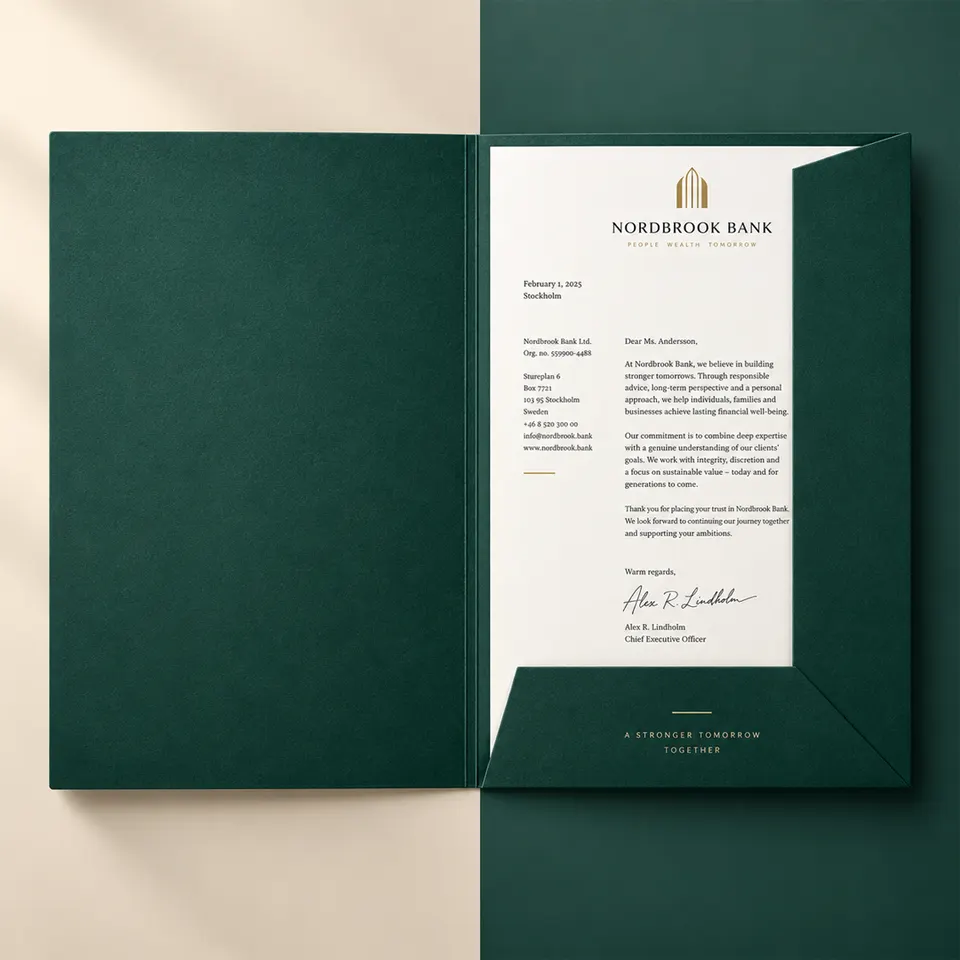
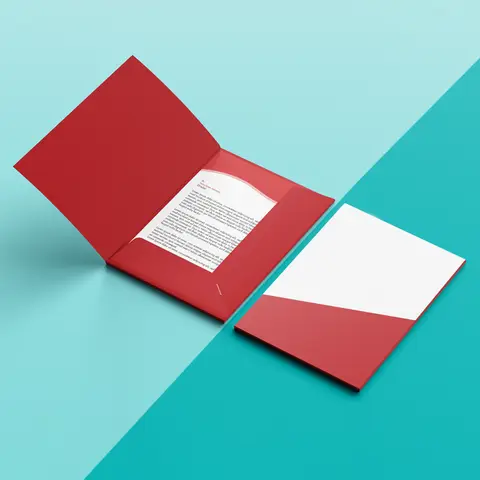
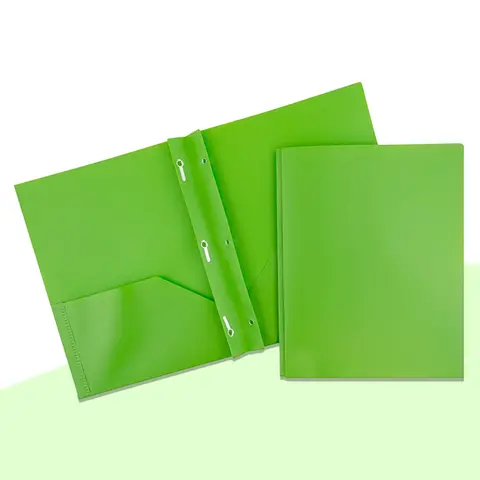
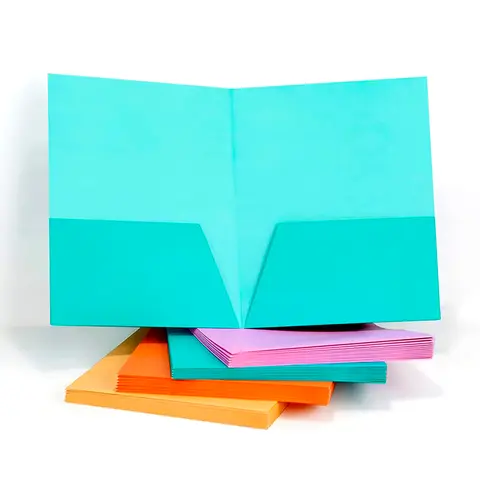
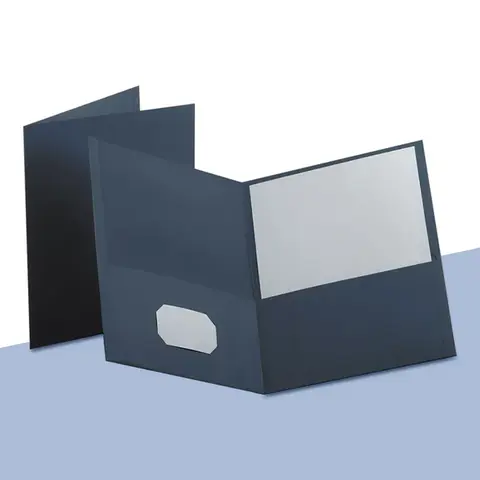
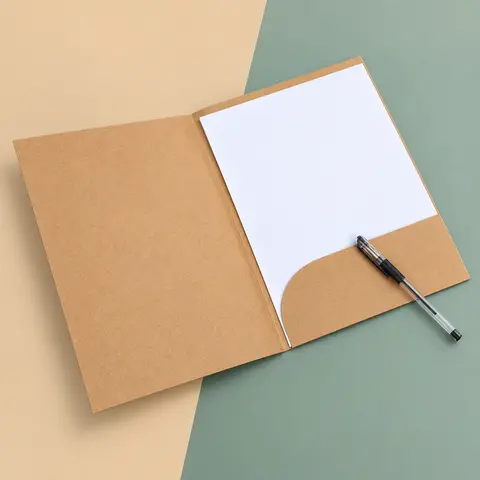
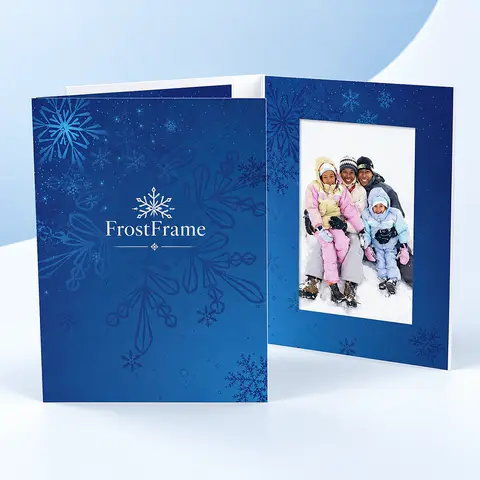
The most helpful thing a folder can do is separate papers that need action from papers that are for reference. Put forms the client must sign or return in the right pocket, where the eye goes first when a folder opens. Put reference material in the left pocket.
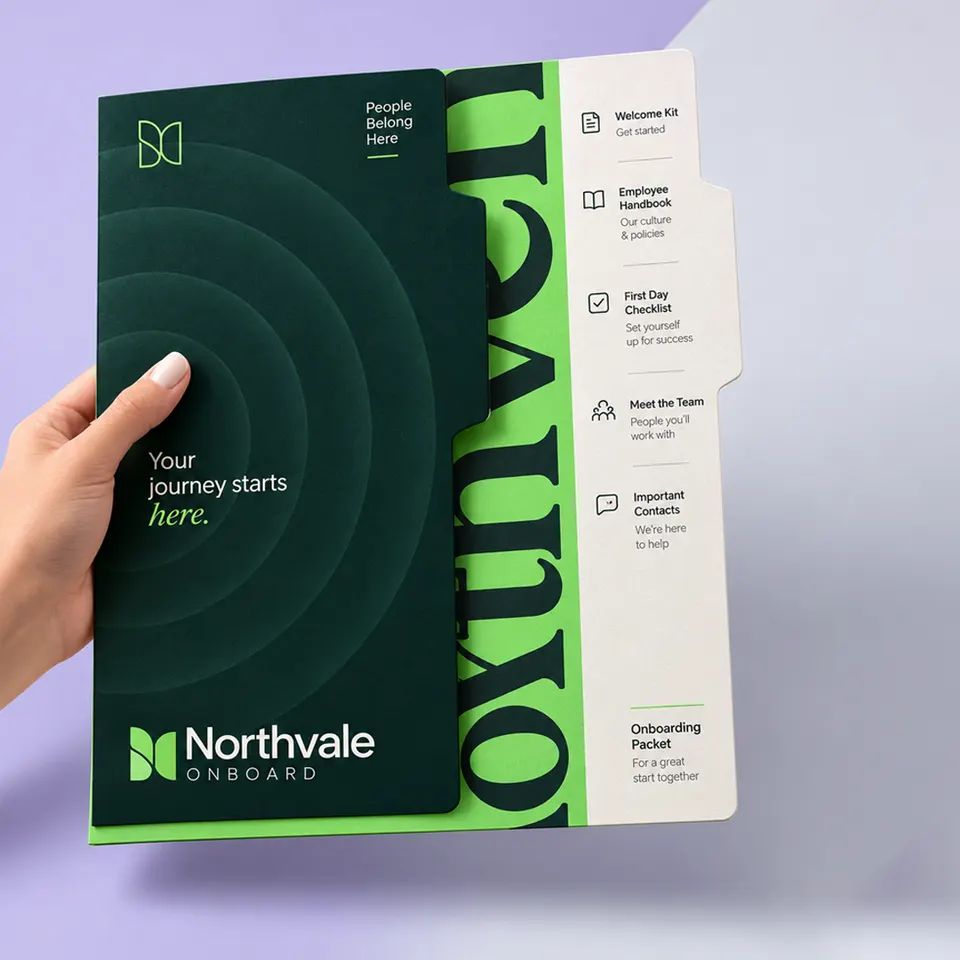
When there are more than two kinds of paper, a four pocket layout with printed labels keeps them apart. HR teams use this for new hires: one pocket for forms to return, one for the handbook, one for benefits, one for the first-week schedule. Our custom onboarding folders with labeled pockets are built around that layout.
What to Add by Industry
The core five stay the same, but every trade has one or two items that make the packet useful. These are the additions we see most often on the folders we print.
| Trade | Add to the core set | Folder feature that helps |
|---|---|---|
| Real estate | Market report, buyer or seller checklist | Two card slits for agent and lender |
| Banking | Account disclosures, debit card carrier | Debit card slit inside the pocket |
| Insurance | Declarations page, ID cards | ID card slits next to the policy |
| Medical and dental | Intake forms, visit notes, aftercare | Wipeable laminated cover |
| Law firms | Engagement letter, case contact list | Legal size, brads for signed papers |
| Accounting and tax | Signed return, next year's checklist | Name window, capacity pocket |
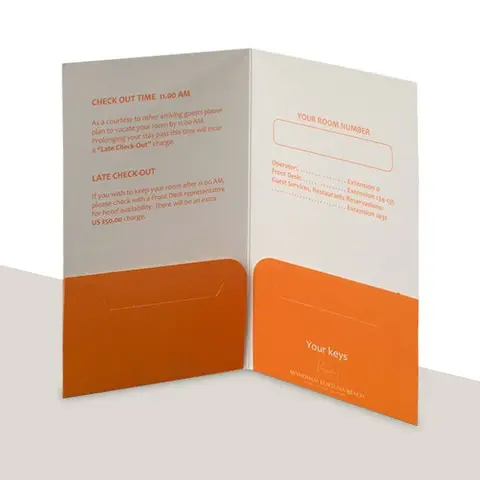
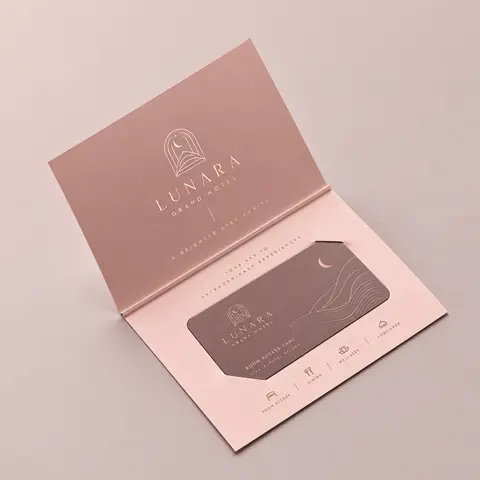
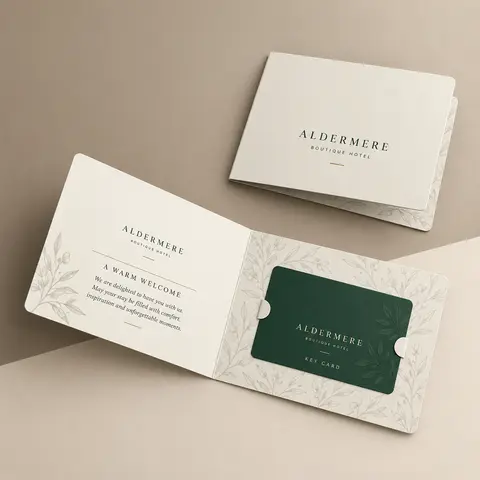
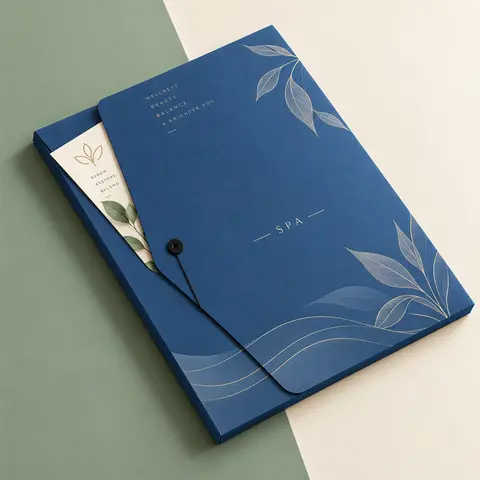
| Hotels and spas | Key card, Wi-Fi details, treatment menu | Small sleeve or gift certificate slit |
Real estate agents often use one folder design for listing presentations and a heavier one for closings, since the closing set is thicker and stays in the buyer's files for years. The custom real estate folders page covers both builds.
Use the Inside Panels as a Map
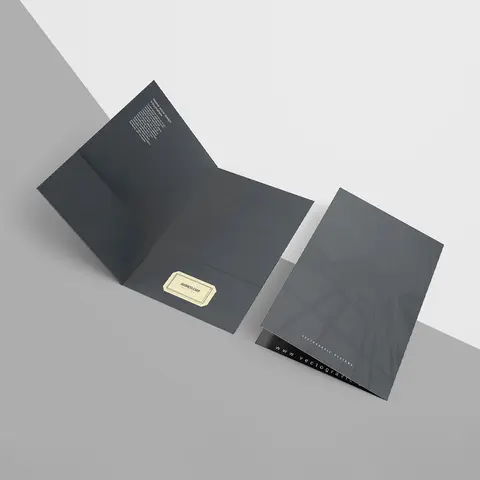
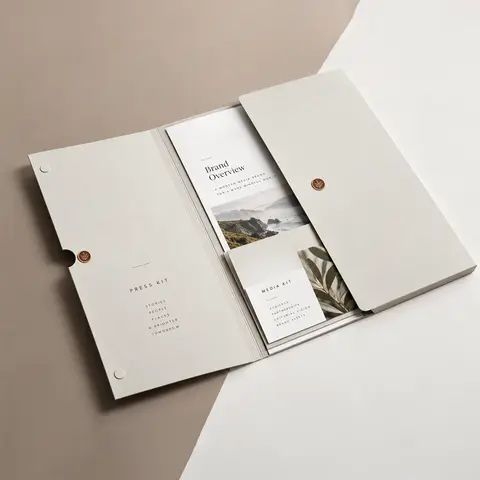
The inside of the folder is free space that most people leave blank. A printed map of the packet turns it into a guide. On the left panel, print a short list: what is in each pocket, who to call about it, and when. Above each pocket, print a label. More layout ideas for each trade are collected on our folders by industry overview.
- Left panel: a three or four line "what's inside" list.
- Above the right pocket: "Please sign and return."
- Above the left pocket: "Keep for your records."
- Back cover: office hours, address and the main phone number.
Because the inside prints once for every folder, it should carry information that does not change often. Names, schedules and anything specific to one client belong on inserts, which you can update without reprinting.
Examples From Three Trades
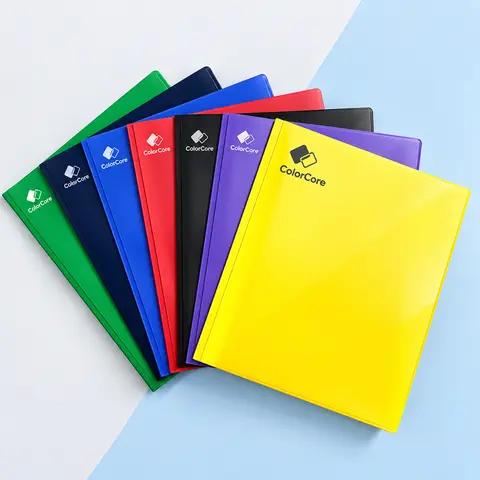
A dental office welcome folder might hold a new patient letter, the treatment plan, an insurance summary, aftercare instructions and an appointment card in the slit. A laminated cover survives being handled at the desk and carried home, and color coding by department helps staff hand over the right packet.
A bank's new account kit holds disclosures, a debit card carrier and a contact card for the branch. One design can be printed in branch versions with a different address on the back, which is why custom bank folders are often ordered in sets for several locations.
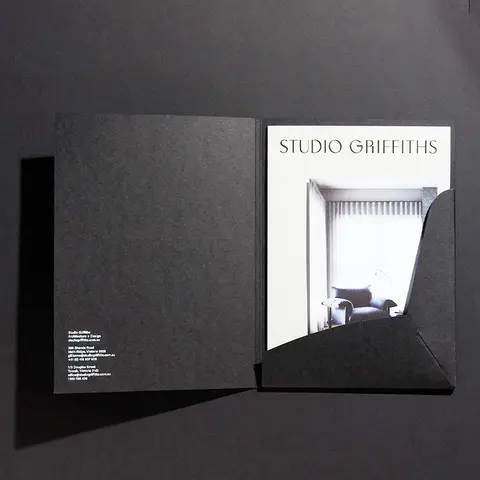
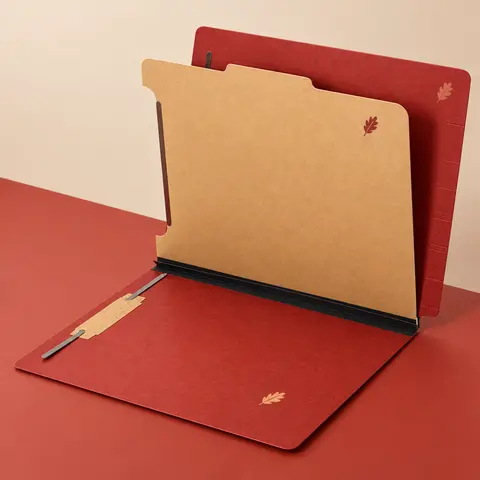
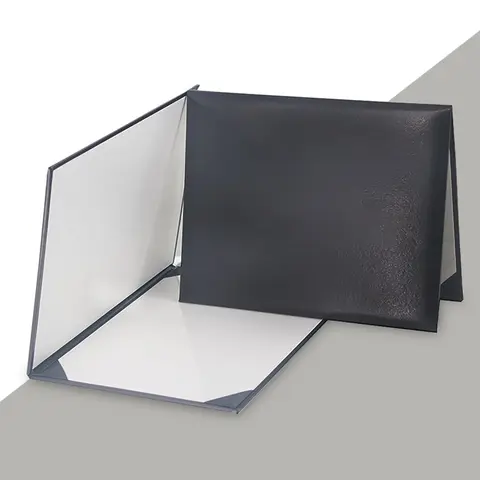
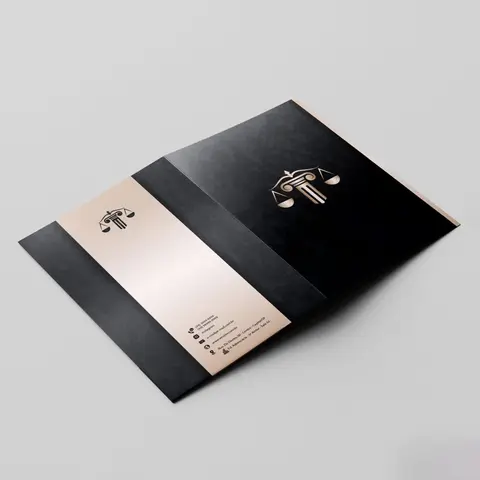
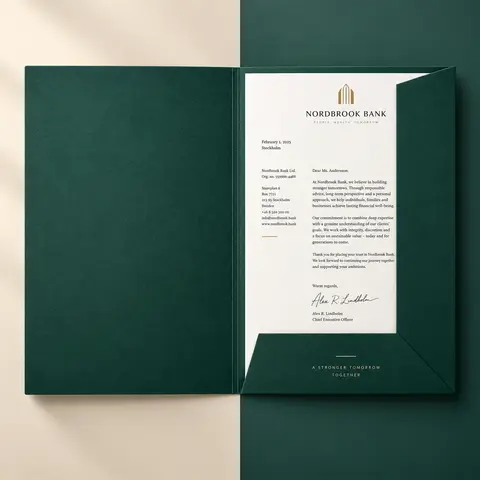
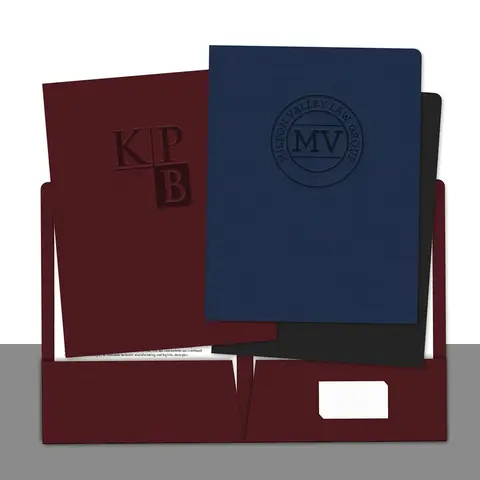
A law firm's engagement packet is usually legal size, on linen or heavier stock, with the firm name in foil or blind emboss. Signed pages go on brads so they stay in order, and a case contact sheet sits in the pocket.
Choosing the Folder Itself
Once you know what goes inside, the folder choice is mostly practical. Letter pages need a 9 x 12 folder, and contracts or closing papers that run to 14 inches need legal size. A packet of a few sheets is comfortable on 14 pt stock, while a thick closing or onboarding set is better on 16 pt or with a capacity pocket.
Think about where the folder goes after the handover. A medical or school folder is carried home and handled often, so lamination pays off. A law or finance packet sits in a client's file cabinet, so a textured cover and a foil or embossed name suit it better than gloss. Our article on choosing paper stock and finish covers those trade-offs in more detail.
- Add a card slit on the right pocket for your business card.
- Add a second slit if two people share the client, such as an agent and a lender.
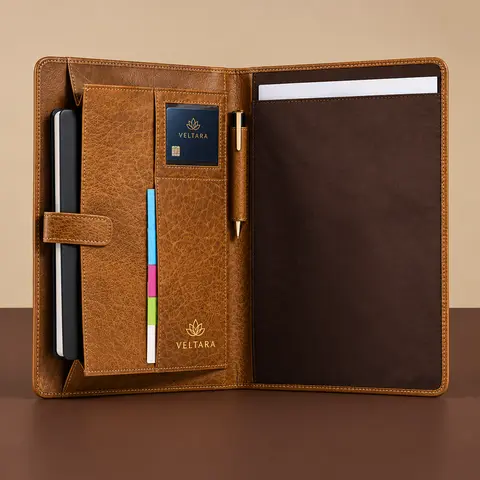
- Ask for a window or ID card slit if one specific item must be seen or held.
Before You Print the First Batch
- Assemble one complete packet by hand and check that every piece fits the pockets.
- Ask someone outside your team to find the next steps page in under ten seconds.
- Move anything that changes often off the folder and onto an insert.
- Check that the card slit holds your actual business card size.
- Order a quantity that covers a realistic period, then plan the reorder.
That last point has its own article. Our guide on planning a folder print run explains how to estimate quantity and keep reorders simple.
Questions Readers Ask
What should go in a client welcome folder?
A welcome letter, a contact sheet, a next steps page, the core document and a business card. Add trade-specific pieces from there.
Which pocket should hold forms to return?
The right pocket. Readers look right first when a folder opens, so action items belong there.
When do I need a four pocket folder?
When there are more than two kinds of paper, such as forms, a handbook, benefits and a schedule for a new hire.
Should the inside of the folder be printed?
Yes, if you can. A short list of what is inside and labels above the pockets make the packet easy to use.
What should not go in a welcome folder?
Brochures for services the client has not bought and long company histories. They bury the useful pages.
Can one folder design work for several offices?
Yes. Keep the design the same and change only the address or name on each version.
What size should a law firm welcome folder be?
Usually legal size, 9.5 x 14.5 inches, so 14 inch documents lie flat.
How do I keep a key card or debit card in place?
Ask for a card slit sized to the card. Hotel key card folders and bank folders both use them.
Should names be printed on the folder?
Usually not. Put names and schedules on inserts so the folder stays current and can be reused.
How do I test a welcome folder before ordering?
Assemble one packet by hand, check the fit, and ask someone new to find the next steps page quickly.